I Finally Asked My Terminal: "Why Is This Even Installed?"
 Saumya Kushwah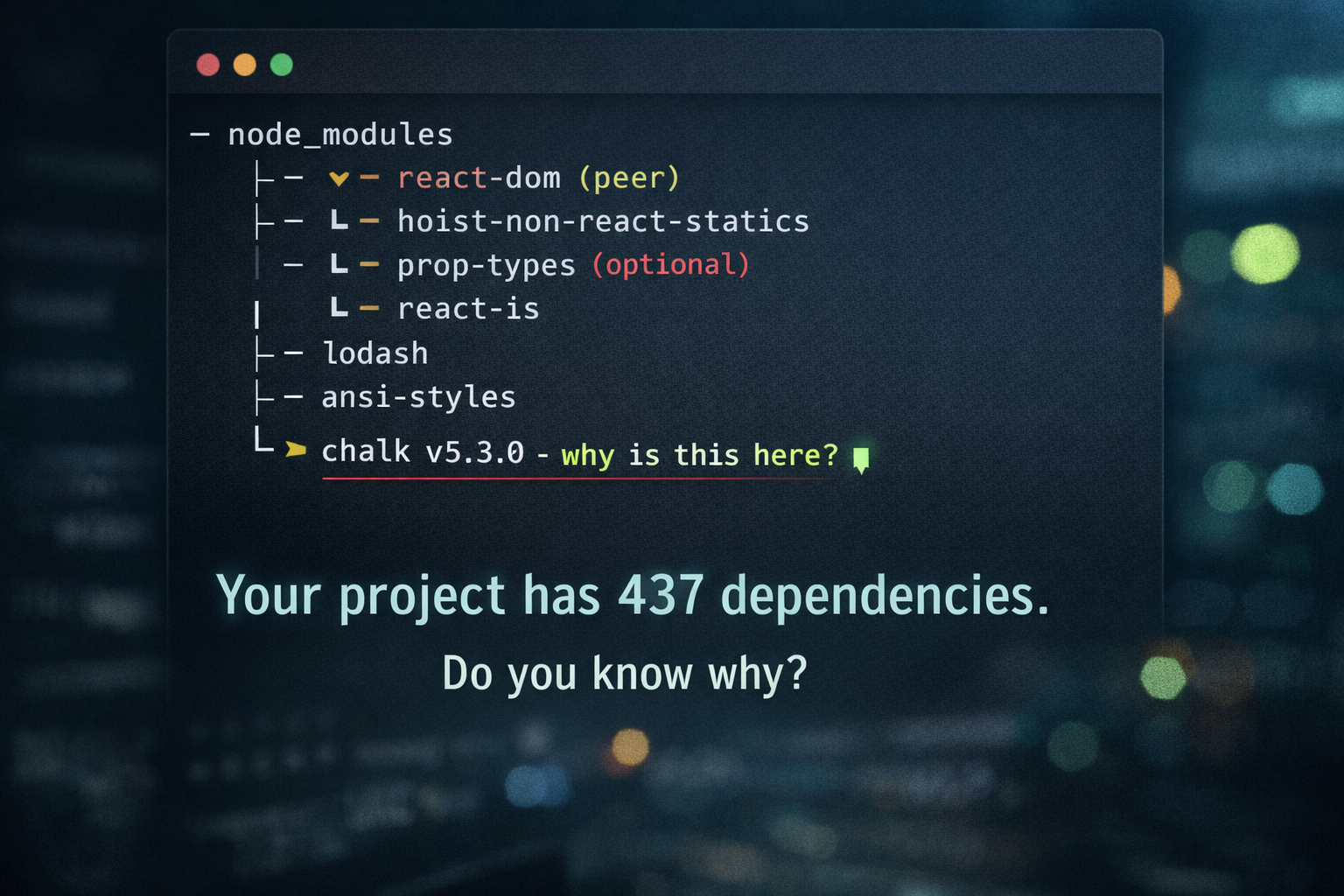
Last week I removed a dependency I thought was dead weight.
The build failed.
Not a helpful fail.
A 37-line stack trace fail.
I stared at node_modules for five minutes and said the same sentence every JavaScript developer says eventually:
"Bro… why is this even installed?"
So I built a CLI to answer that question.
It's called whyinstall.
The dependency problem nobody talks about
Every project starts clean.
Then a PR lands.
Then another.
Then suddenly your repo is 400 packages deep and nobody remembers why half of them exist.
We do have tools like npm why.
But let's be honest – they don't really help.
They show trees.
Not answers.
They don't tell you:
- Where this package is used in your code.
- How it entered your dependency graph.
- Or how much it contributes to your bundle size.
So you still end up grepping the codebase like it's 2012.
The moment it clicked
I wanted my terminal to answer like a human.
Not:
node_modules/foo/node_modules/bar/peerOptional...
But something closer to:
This package is imported in two files in your project.
You can now see exactly what would be affected if you remove it.
That's it.
That's the whole idea.
Meet whyinstall
npx whyinstall chalkAnd it replies:
chalk v5.3.0 (43 KB)
  Terminal string styling done right
installed via 1 path

1. prod
   whyinstall
   └─> chalk

Used in (2):
  src/cli.ts
  src/formatter.ts
Two files.
That's the whole story.
You don't delete blindly.
You delete with context.
Then I noticed something worse
Some dependencies weren't just confusing.
They were huge.
So I added a feature that scared me the first time I ran it.
--size-map - the reality check
npx whyinstall next --size-mapAnd suddenly:
next total impact: 66.69 MB
Breakdown:
- next: 63.08 MB
- caniuse-lite: 2.19 MB
- styled-jsx: 971 KB
- @swc/helpers: 190 KB
...
This package contributes 44.7% of your vendor bundle.
Forty-four percent.
One dependency.
That's when you finally see what your bundle is made of.
Why this tool exists
I didn't build whyinstall because I love dependency graphs.
I built it because I was tired of:
- deleting a package and hoping nothing breaks,
- shipping dependencies I didn't understand,
- never knowing what actually inflates my bundle.
whyinstall doesn't tell you what to delete.
It tells you what you're actually using.
Try it
npm install -g whyinstallor just:
npx whyinstall lodashAsk your terminal the question you already ask in your head.
And finally get a straight answer.